


|
Ready to start documenting your Projects and Applications?Whether it's building end user applications, developer documentation for components, or to create online documentation for a project, product or service, Help Builder makes organizing your documentation easy. HTML Help Builder makes it easy to create organized, cross-linked documentation by providing powerful tools to create end user application or component/API documentation. Create Help files, Web Html content and Word/PDF output all from a single documentation source in Help Builder.
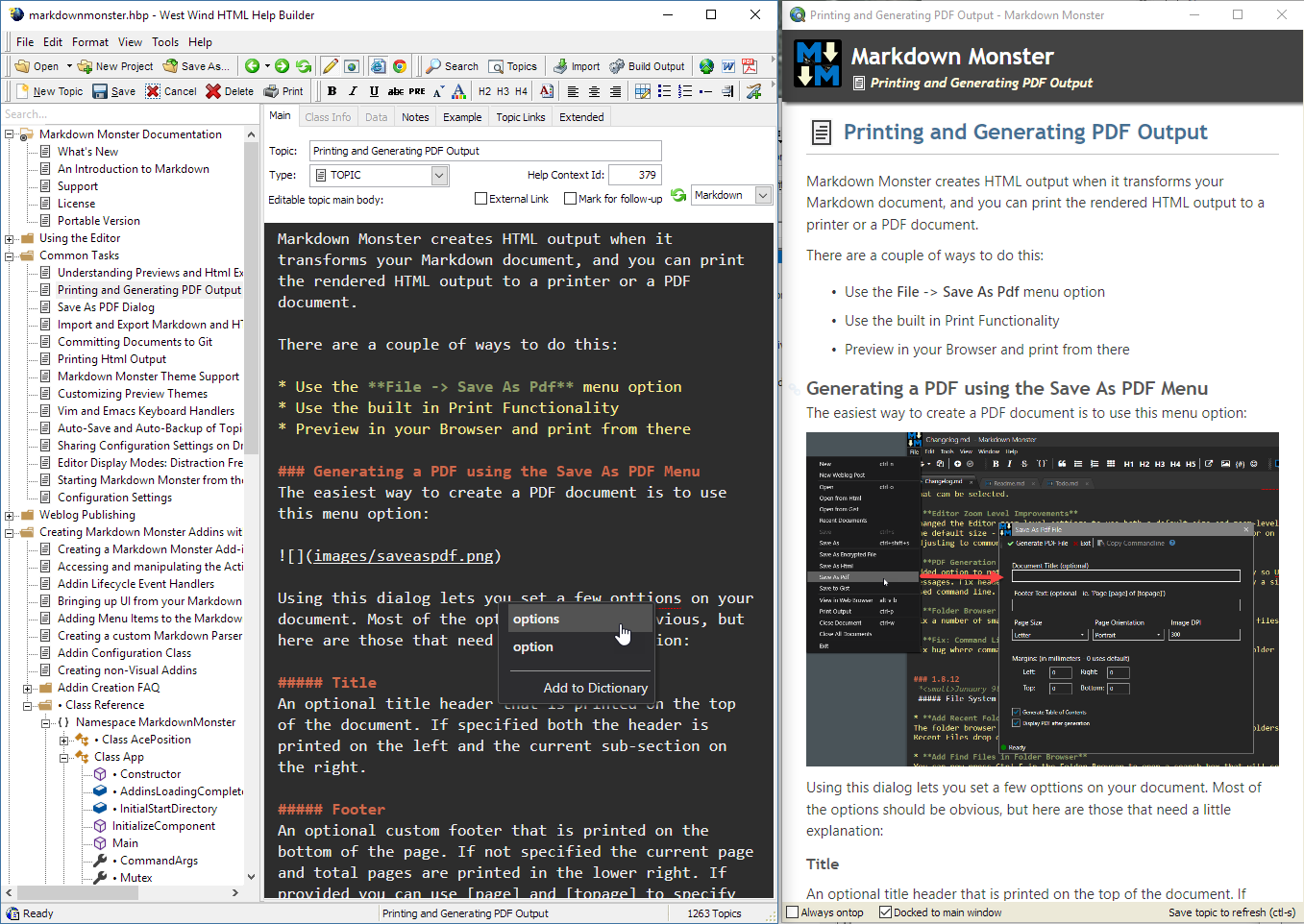
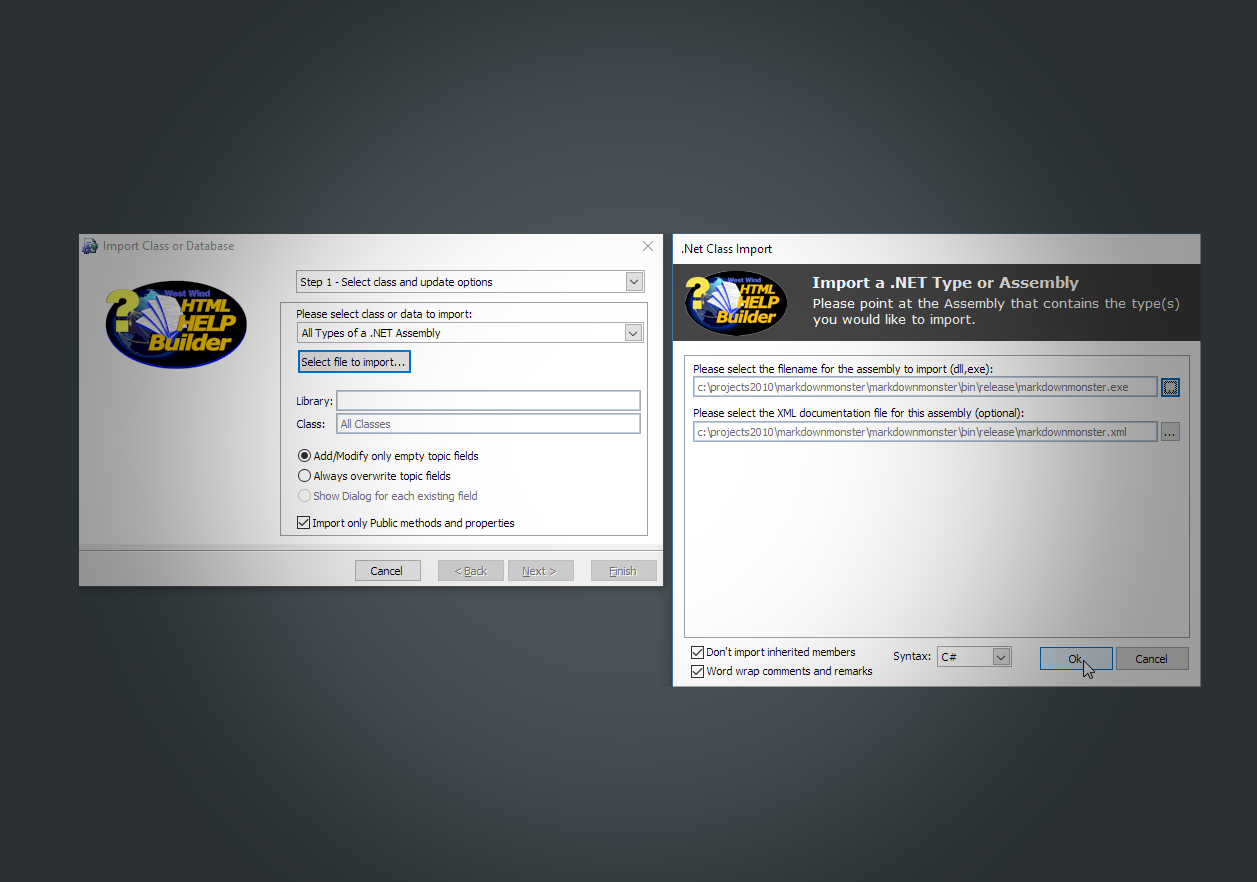
Help Builder's unique workflow focuses on content creation that makes you more productive when creating documentation. Help Builder separates content from design by using templates that merge topic text with customizable HTML templates, providing a consistent look and feel to your help file. Use Help Builder's markup tools to quickly insert text markup, images, capture screen shots and create cross links to other topics intuitively. Many thoughtful tools make the process so productive you'll enjoy building documentation as you work. Developer FeaturesIf you're a developer you'll love Help Builder's one-click support for importing classes from .NET, Visual FoxPro and COM objects. You can also import and auto-document SQL Server 2005-2012 and Visual FoxPro databases. Help Builder also integrates with Visual Studio and Visual FoxPro to make Help Builder available directly in your development environment. Finally, Help Builder can be automated as a .NET component or COM Server, so you can create automated routines to build and interact with your help content. There's also Help Builder Console so you can integrate Help Builder into your build process. Finally you can also extend Help Builder's features with an add-in interface using any .NET Language, COM or FoxPro code.Here's what Help Builder's rich IDE looks like previewing an auto-imported .NET class. Output OptionsWhen you're done creating content, generate output for:
Take advantage of these useful features
Developer Features
Component and Database Imports
Standards based and Extensible
Help Builder has been created by developers for developers so we use this tool every day to document our own components and tools. We use it for end user as well as developer documentation, for creation and archiving of internal knowledgebases, as a code depository, BLOG editor and archiver and much, much more. The content creation opportunities are endless. So what are you waiting for? Take a test drive with our fully functional shareware version to see for yourself how productive you can be creating documentation. Download it today!
brought to you by:
Updated:
12/15/12
|
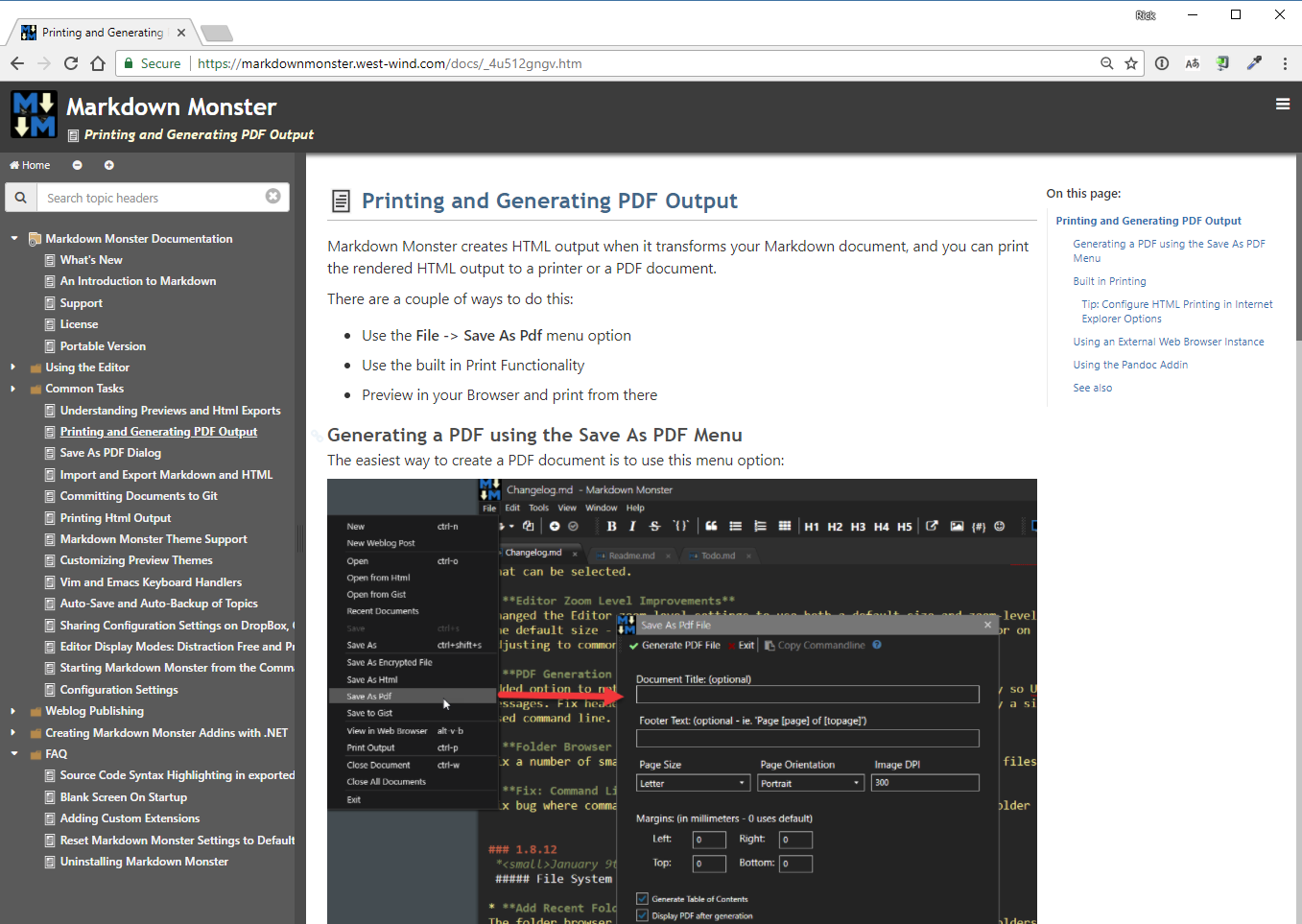
This update adds many small user interface enhancements to simplify the content to publish cycle. There are also many enhancements to .NET type imports and a new Command Line Console to simplify integration of Help Builder into the software build process. Take a look and see all that is new in this update to Help Builder. Download the fully functional shareware version of HTML Help Builder today and find out what all the fuss is about. Help has definitely arrived! Want to see how Help Builder works? Check out these streaming videos including a high level feature walk through, and several specialized training sessions that highlight specific features of the product . Check out how Help Builder works in detail with the online documentation in HTML format. The documentation, created with Help Builder, also includes a detailed Step by Step Guide to you can read through right here on this site to get a feel for what Help Builder can do for you. Features Pricing What's new Online Support Documentation Help Builder just started supporting Add-ins and we've put up a page that will host Add-ins as they become available. For the moment it's a placeholder, but we're hoping that developers will come up with cool extensions since so many have asked for this functionality. Here are a few other samples of documentation created with West Wind HTML Help Builder:
|