
 Generating Microsoft Word Output
Often times you will want to create a Word document from your help file so you can provide your customers with a document they can print or otherwise work with more interactively than a help file. For example it might be nice to generate a PDF document for your documentation if you have a PDF converter installed.
Starting the Word Export Process
Start by clicking on the Tools | Generate MS Word Document menu option. If MSWORD is not your active scheme Help Builder will prompt you to select a template scheme.
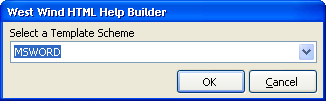
The MSWORD scheme is a special template scheme that includes a HelpBuilderTemplate.doc file that is used as the starting Word document that receives the imported text. The scheme is optimized for display in a text editor like Word and provides much simpler templates. We recommend you take a look at what your topics look like with the MSWORD scheme and if necessary go and adjust your templates to what you might need.
Once you have selected a template scheme Help Builder starts generating your Word document. Help Builder's import works by generating a single HTML document (YourProject.html) and then importing this Html document into Word and performing a few fixups. Depending on the size of this document this process may take a while, so please be patient.
When the process is complete Help Builder will pop up Word and show your document:
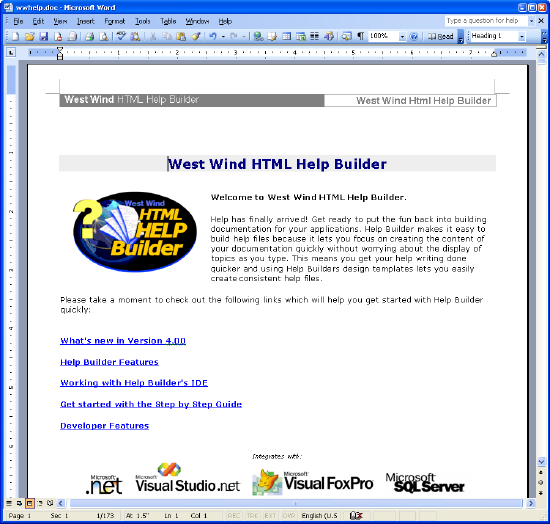
After the import is complete you might want to review the document. Although the process works well, there often are a few formatting issue related to page breaks or features that didn't translate well from HTML into plain text. In addition you might want to drop a table of contents into the document.
Note that images are embedded into the document and hyperlinks and cross links in the document are live and jump to the appropriate topics.

Comment or report problem with topic