
 Inventory Category Editor
 Inventory Category Editor
The Inventory Category editor allows you to add or delete categories that are displayed on the category list sidebar. The sidebar displays the categories and fires links that display items that include this category in their item's category field.
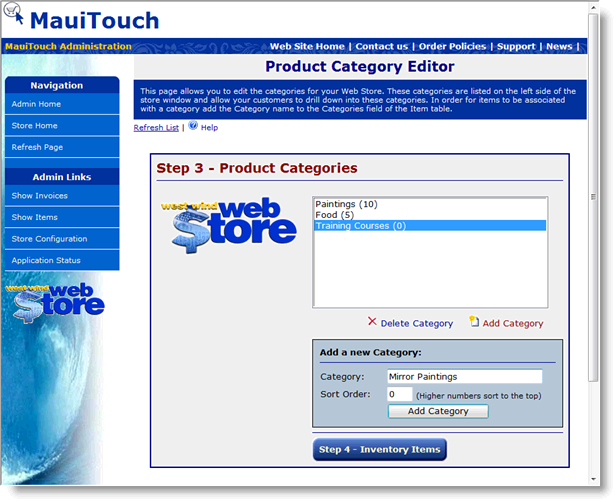
To add a category:
Simply enter the name of the category and then click the Add Category button to add the item. Use the Sort order option to specify which items displays at the top of the list - the higher the sort order the higher in the list it displays with any items with Sort Order of 0 sorted alphabetically.
To delete an Item:
Select the item in the list and click the Delete Selected Category button.

Comment or report problem with topic